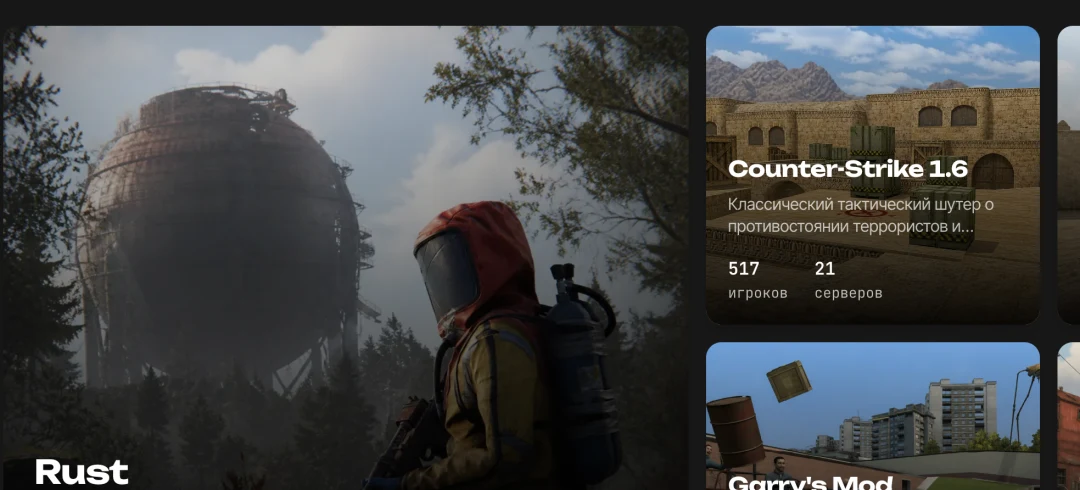
Game and server catalog
Bring games and servers together so players can find the right project more easily
Create a game server website in minutes. Players can discover new servers, owners can promote their projects, and you can earn from paid placements and services
Create your siteBring servers together with project owners
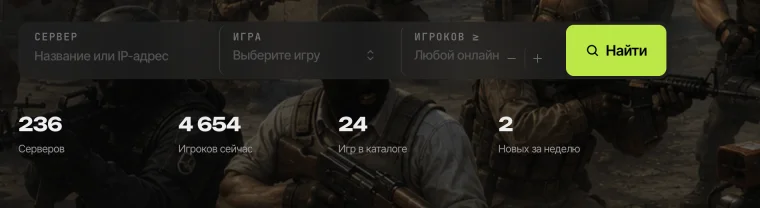
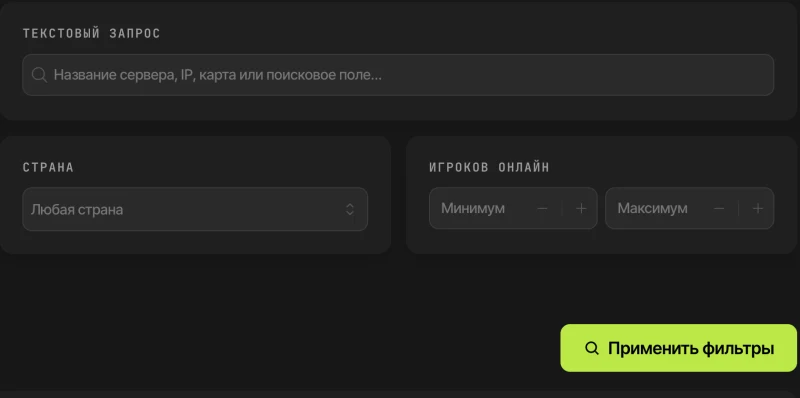
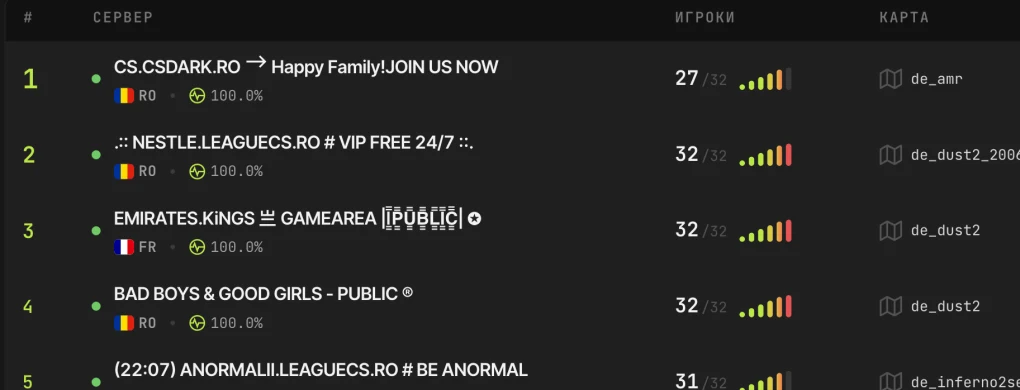
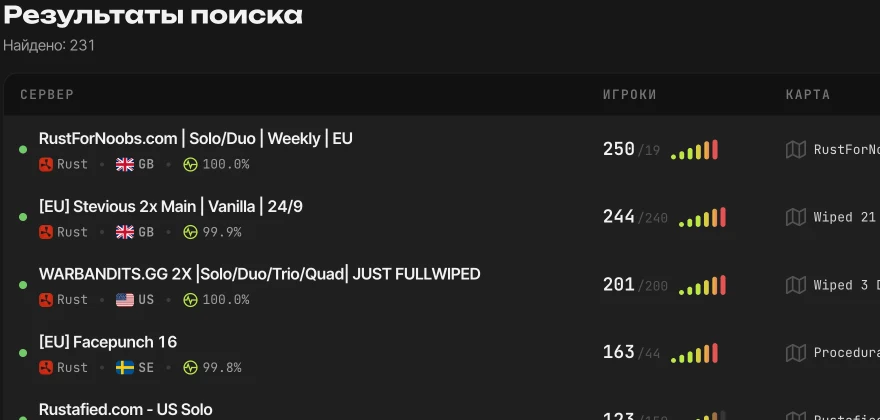
Search, filters, rankings, and live player counts help players find the right server
Configure your site and team while owners manage their servers in their dashboard
Create offers for owners when you are ready to monetize your project
From server listings and live status to sales and fine tuning — build a site that grows with your project
Bring games and servers together so players can find the right project more easily
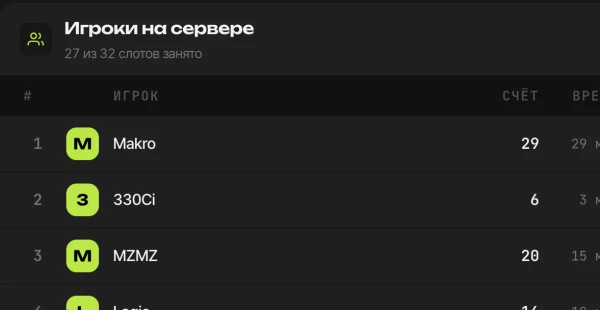
Server status, player counts, and game data update automatically
Help players quickly find servers by the details that matter to them
Owners add and manage their own servers
Offer owners promotion services and set your own prices and rules
Manage the site and give staff access to the sections they need
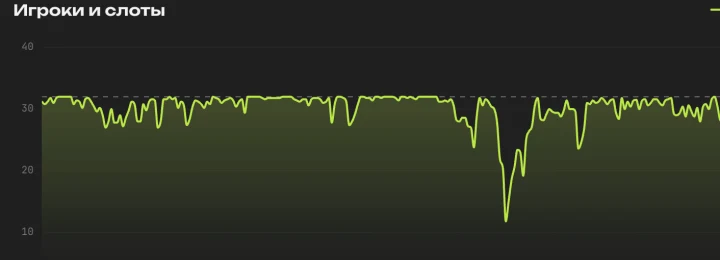
Show player history, charts, and key server metrics
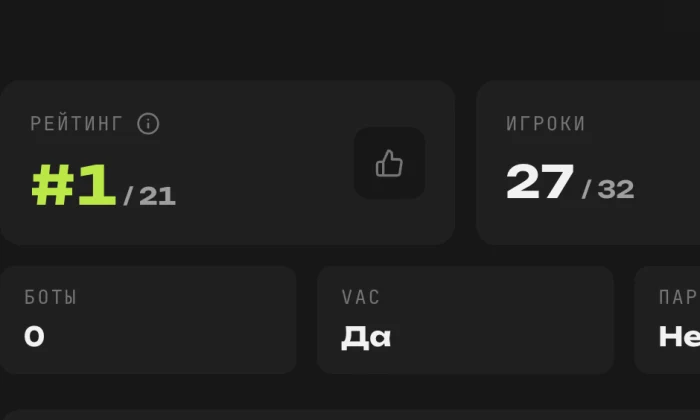
Highlight popular servers and let the community take part in choosing them
Tailor server fields, game settings, and data display to your project
Connect payment methods and an internal balance for purchases on your site
Run discounts and promo codes with flexible amounts, dates, and limits
Customize metadata and social previews, with a sitemap for search engines
Translate the interface and content for players in different countries
Enable USD, EUR, UAH, RUB, and many other currencies for site prices
Enable Google and Steam sign-in, and add more providers through integrations
Customize colors, logo, and theme to make the site your own
Reorder page blocks and customize navigation without editing templates
Protect sign-up, sign-in, and purchases with configurable verification
Players save servers they like and return to them from their account
Customize notifications and their templates for the site and email
Show each server’s country and region based on its address
Commission us to build it, or ask your developer. Our documentation will help them understand SVV Monitoring Engine and integrate a custom module
You and project owners fill the catalog and give players more choice
SEO settings and useful content help interested players find your site
Owners gain new ways to make their servers easier for players to notice
You decide what to sell and how it works
Create as many services as you need, each with its own name, description, purchase options, and limits
Set tariffs, prices, and durations for purchase options, so one offer can have several ways to buy
Choose the page and position where visitors see an offer, including what appears before any placements are active
Choose how an offer works: pooled places, fixed positions, or rotation. Connected modules can add queues, auctions, and other sales flows
An effect is what happens to a server after a service is purchased. It might receive a visible badge or appear in a selected list
Configure capacity, available places, and reservations during checkout for each service
Choose whether buyers can renew before expiry, set the renewal window, and optionally allow gifts
Add new sales mechanics and effects through your own modules when the built-in options are not enough
To get started
Updates
During the paid period
Modules
Choose and purchase separately
Cloud backups
Database once a day · latest 3 backups
Support
Via support tickets
Footer copyright notice
Removal is not permitted
For growth
Updates
During the paid period
Modules
Current and future modules developed by our team are included while Pro is active
Cloud backups
Hourly · database, files, and templates · 14 days
Support
Priority tickets and direct contact
Footer copyright notice
May be removed while Pro is active
Add servers, purchase services, and manage your project from your account
For demonstration purposes, changing any settings is disabled. You can only view the admin panel; editing is unavailable
You need a VDS or dedicated server
Choose a plan with a high single-core clock speed
The command already includes sudo (root privileges). From options to launch: a few minutes.
Unfortunately, we discontinued the platform’s lifetime plan. A one-time payment does not cover years of support, fixes, and updates. We have seen that without recurring revenue, development stops and eventually the product disappears. We may bring back a “Forever” plan later, but updates under it would only be available for a limited time. We have not decided on the timing or terms.
Yes. The Basic plan already includes the game and server catalog, server data updates, search, the owner dashboard, and the admin panel. You can add modules later.
No. Installation requires a VDS or dedicated server with administrator access: the agent runs Docker containers, databases, and background processes, then manages updates. Regular shared hosting does not provide this level of system access. A VDS with a control panel works if it supports Reverse Proxy.
Yes. You can populate the catalog yourself, while project owners can add and manage their servers through their dashboard. Server data updates automatically.
Yes. The core platform lets you create paid offers for server owners and set prices and terms. Modules add other options, such as a queue or an auction.
Add the module you want to your cart and choose to include it with Pro for $0 during the paid term. Then install it through your dashboard. You can also buy the module separately.